
How to Activate or Inactivate Agents in Your IVRSolutions Panel
Introduction
Managing your agents effectively is just as important as adding them. Sometimes, you may need to temporarily disable (inactivate) an agent who is on leave, or reactivate (activate) them when they are back. The IVRSolutions panel makes this process simple with just a few clicks. In this guide, we’ll walk you through the steps to activate or inactivate an agent, ensuring you always have full control over your team’s availability.
Step 1: Login to Your Admin Dashboard
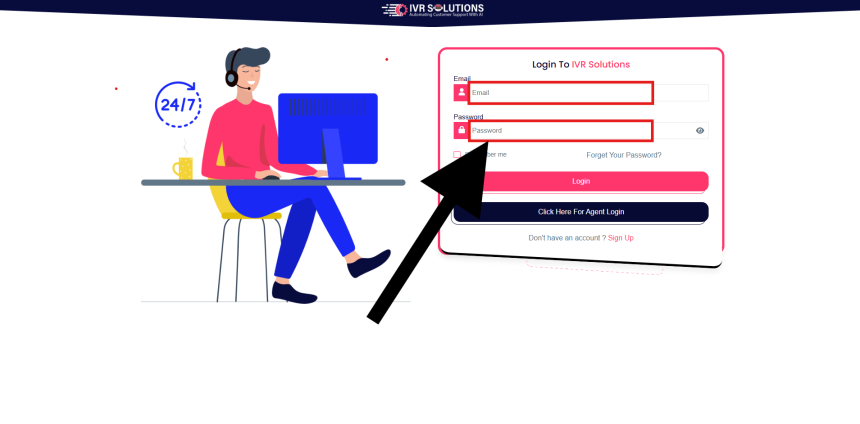
Log in to your IVRSolutions admin account using your registered email and password.
Step 2: Open the Agents Section.
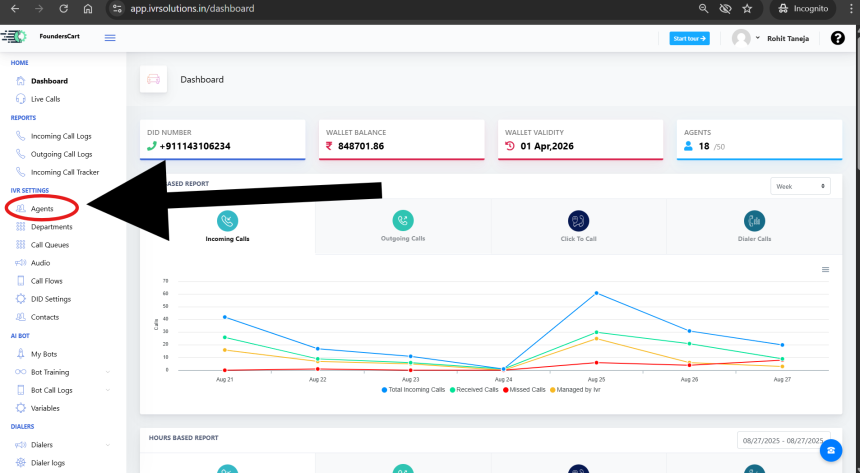
From the dashboard, click on the Agents tab in the left-hand side menu. This section displays a list of all agents currently added to your panel.
Step 3: Locate the Agent You Want to Update
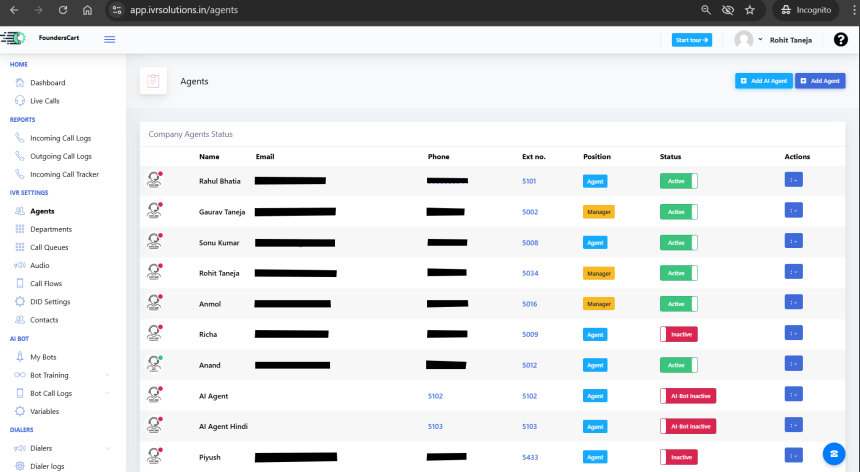
Scroll through the list to find the agent whose status you want to change.
Step 4: Toggle the Status (Activate/Inactivate)
Each agent has a status option that works like a switch.
- If the agent is currently Active, you can switch them to Inactive.
- If the agent is currently Inactive, you can switch them back to Active.
Simply click the toggle/switch to change their status.

Step 5: Confirmation
Once you update the status, the panel will automatically save the change. You’ll see the updated status reflected instantly in the agent list.
Conclusion
And that’s all it takes! With the IVRSolutions panel, you can quickly activate or inactivate agents based on availability. This ensures smooth operations and prevents unnecessary call routing to unavailable team members.
For more step-by-step tutorials, visit learn.ivrsolutions.in
How to Add Agents to Your IVRSolutions Panel (Step-by-Step)
In this tutorial we will guide you on how you can add agents in Ivr Solutions through your...
How to Add and Manage Departments in Your IVRSolutions Panel
Departments help you organize your call center or business team into functional groups suc...
How to check wallet history in depth
Managing your wallet balance and keeping track of transactions is important to stay update...
What to Do When Calls Are Not Working in IVRSolutions
Sometimes you or your agents may face issues where calls are not connecting, dropping, or...
How to Manage Working Hours of Agents in Your IVRSolutions Panel
Managing agent working hours is essential to ensure that calls are routed only when your t...